
Write to your future self
Before the exam, the move or the first day at work. Pick the date, and we email it to you when it comes.
Start free. No card needed.

Today's you, on the day it matters
Oliver wrote to himself a year ahead, with a photo from his Sunday run by the lake.
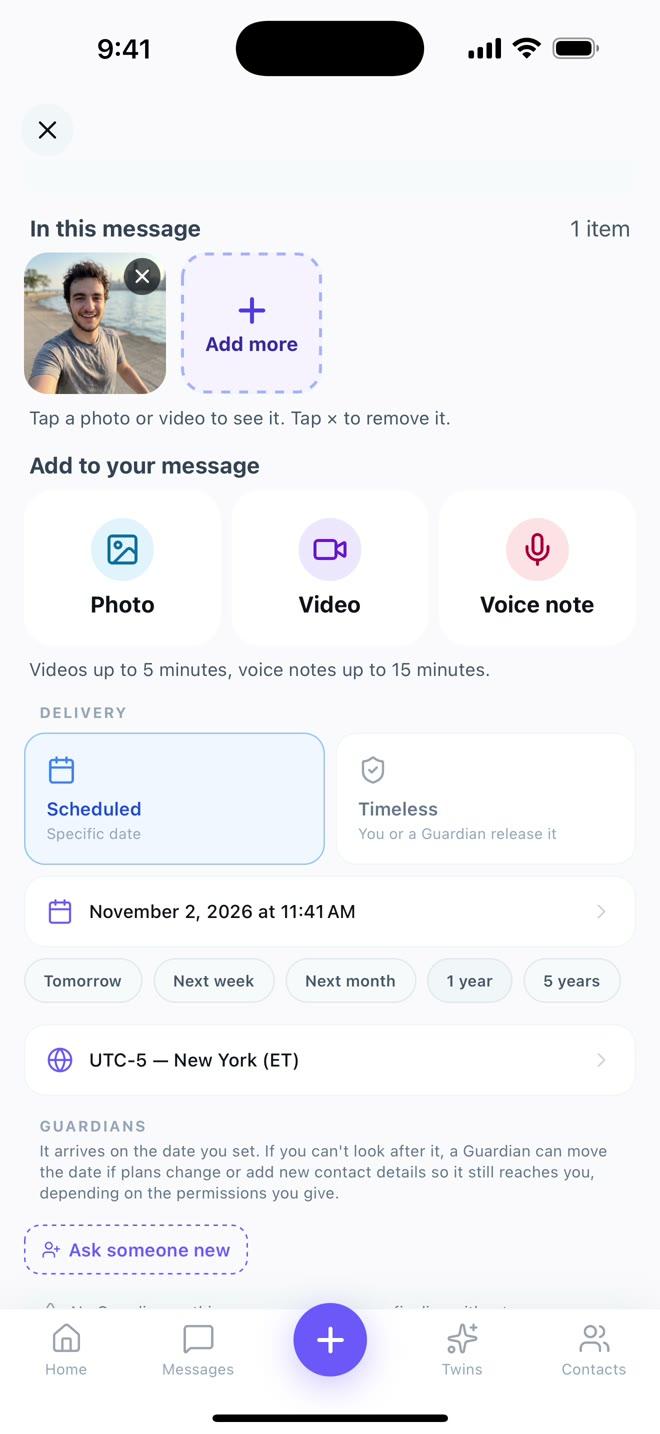
1. Write it, add a photo
Then pick the day. A year or five years from now is one tap.
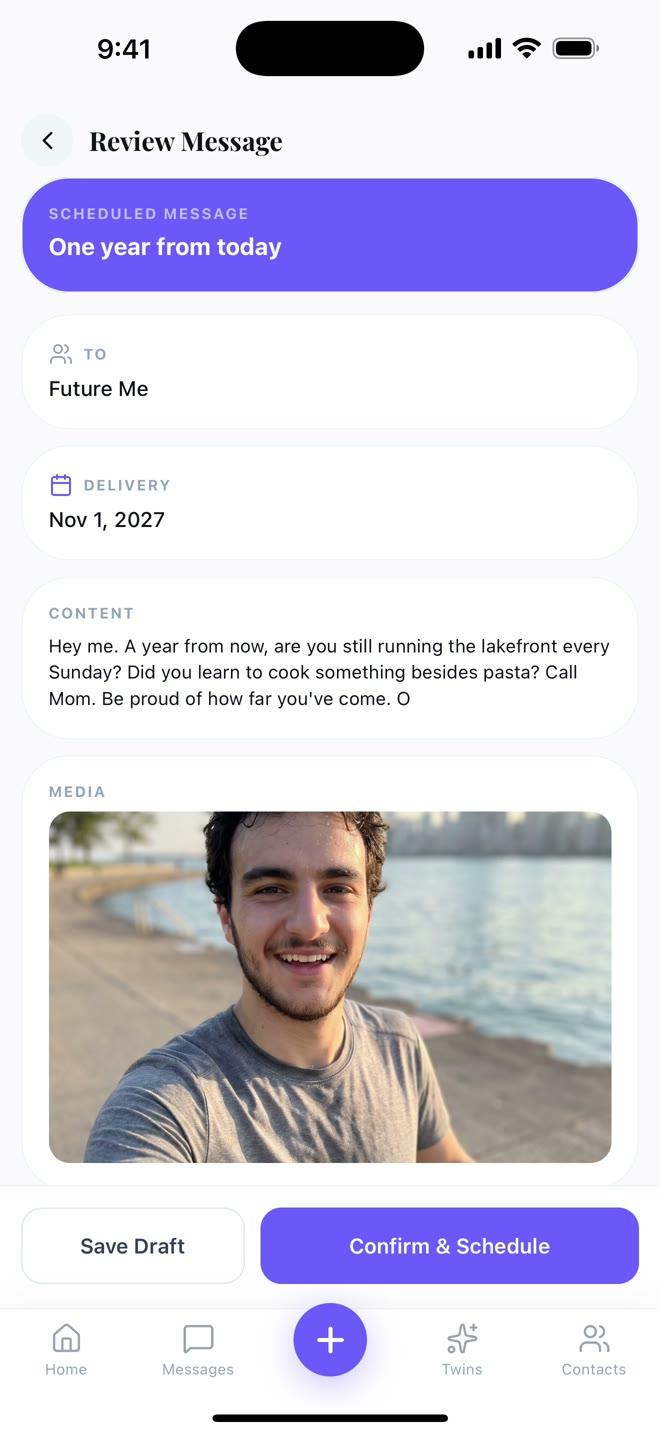
2. Check it
One year from today, to Future Me, arriving November 1, 2027.
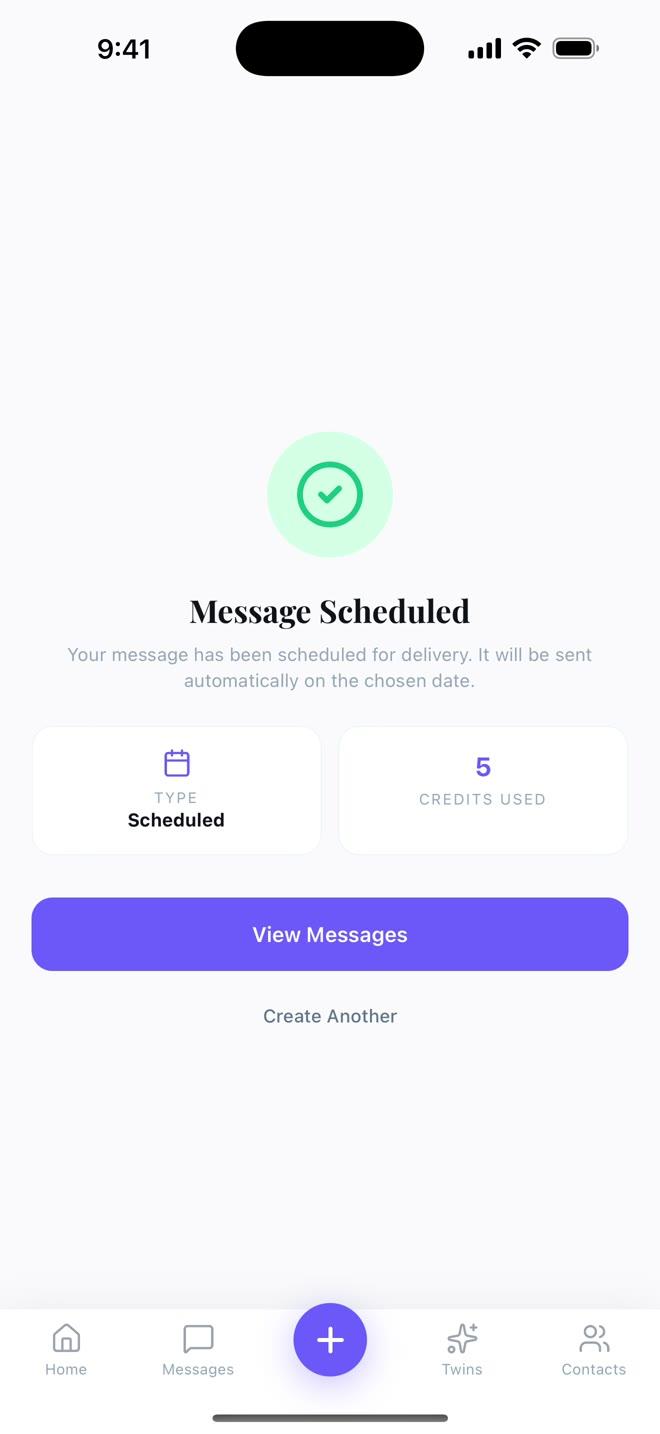
3. That's it
It arrives by email on the day. Until then you can change it or cancel it.
How does a message to your future self work?
You write it today and choose the day it should arrive, a year or five years from now. On that day, MessageFuture emails it to you. Add a photo, a voice note or a video if you like. Until it arrives, you can change it or cancel it.
Ideas to start with
Tap one and start writing. You can change every word.
Questions people ask
How do I write a message to my future self?
Is this like writing a letter to my future self?
How far ahead can I send it?
Is it free?
What should I write to my future self?
Can I change it or cancel it?
Can I write one without a date?
How is MessageFuture different from FutureMe.org?
A year from now, you will be glad you did
It takes two minutes. Start free, no card needed.